Video Testimonials: The Complete Guide to Creating Content That Converts

Edmond Bojalil
October 20, 2025
Why Video Testimonials Are the Most Powerful Form of Social Proof
In a world saturated with text-based content, video testimonials cut through the noise like nothing else. When a real person looks into the camera and describes how your product or service changed their business or their life, potential customers pay attention in a way they never would with a written review. The combination of facial expressions, tone of voice, body language, and authentic emotion creates a level of trust that text simply cannot replicate.
The numbers back this up convincingly. Video testimonials can increase conversions by up to 80% (see our testimonial statistics article), according to research by Wyzowl. Landing pages with video content see 86% higher conversion rates on average. And viewers retain 95% of a message when they watch it in video format, compared to just 10% when reading it as text.
Despite these compelling statistics, many businesses shy away from video testimonials because they seem complicated, expensive, or technically challenging. The truth is that creating effective video testimonials has never been easier or more affordable. A smartphone, decent lighting, and a willing customer are all you need to get started. In this guide, we will walk through every step of the process, from planning to filming to editing to publishing.
Types of Video Testimonials
Before you start filming, it is important to understand the different formats available and choose the one that best fits your goals and resources.
Self-Recorded Customer Videos
The simplest and most scalable format. You send your customer guidelines and questions, and they record themselves on their smartphone or webcam. The production quality might not be Hollywood-level, but the authenticity is undeniable. These work particularly well for digital products, online courses, and SaaS businesses where customers are geographically dispersed.
Interview-Style Videos
You conduct a live or virtual interview with the customer, asking them structured questions while recording. This format gives you more control over the content and ensures the testimonial covers the points most important for your marketing. The interviewer can guide the conversation, ask follow-up questions, and draw out specific details that make the testimonial more compelling.
Professional Production Videos
For high-stakes testimonials from key clients, investing in professional video production can be worth the cost. This includes professional lighting, audio equipment, multiple camera angles, and professional editing. These videos are best used for homepage hero sections, trade show displays, and sales presentations.
Screen Recording Testimonials
Particularly effective for software products, screen recording testimonials show the customer using your product while narrating their experience. This format combines the social proof of a testimonial with a practical demonstration, killing two birds with one stone.
Planning Your Video Testimonial
The most common mistake businesses make with video testimonials is jumping straight into recording without proper planning. A little preparation goes a long way toward ensuring a successful result.
Choose the right customer. Not every happy customer is a good fit for a video testimonial. Look for customers who are articulate, enthusiastic, and have a compelling story to tell. Ideally, they should represent your target audience so that viewers can identify with them. A customer who achieved remarkable results with your product will naturally deliver a more persuasive testimonial.
Prepare guiding questions. Do not leave your customer to figure out what to say on their own. Provide them with three to five questions that will structure their testimonial. Good questions include: What problem were you trying to solve? What other solutions did you try? How did you find our product? What specific results have you seen? What would you tell someone who is considering our product?
Set expectations. Let the customer know how long the video should be, typically two to three minutes, where it will be published, and how it will be used. Transparency reduces anxiety and increases participation rates.
Equipment and Setup for Quality Videos
You do not need a professional studio to create compelling video testimonials, but paying attention to a few technical basics will dramatically improve the quality of your final product.
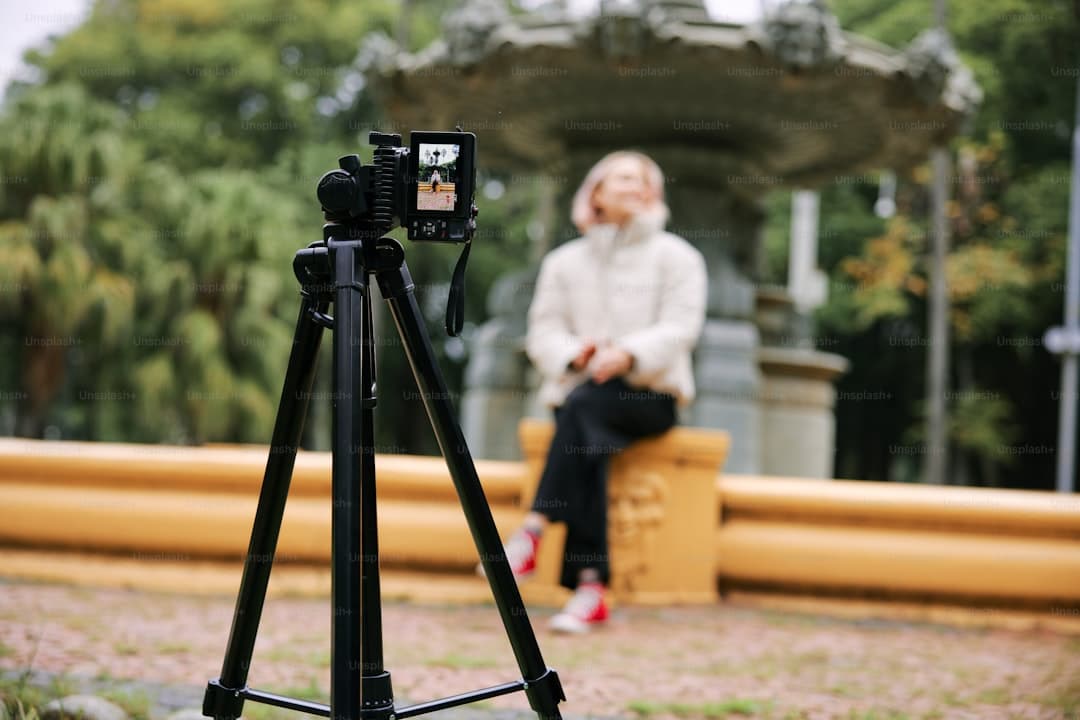
Camera: A modern smartphone camera is more than sufficient for most video testimonials. If you want to step up the quality, a mirrorless camera or a quality webcam like the Logitech C920 will provide noticeably better results. The key is to ensure the camera is stable, using a tripod or a phone mount, to avoid shaky footage.
Audio: Audio quality is actually more important than video quality. Viewers will tolerate slightly grainy video, but poor audio will make them click away immediately. A lavalier microphone that clips to the customer's shirt is the best option for interviews. For self-recorded testimonials, advise customers to find a quiet room and sit close to their device.
Lighting: Natural light from a window is the best free lighting available. Position the customer facing the window so the light illuminates their face evenly. Avoid having the window behind them, which creates a silhouette. If natural light is not available, a simple ring light provides flattering, even illumination.
Background: A clean, uncluttered background keeps the focus on the speaker. A plain wall, a tidy office, or a bookshelf all work well. Avoid backgrounds with distracting movement or excessive visual clutter.
Conducting the Interview
Whether you are interviewing the customer live or providing them with questions to answer on their own, the goal is to make them feel comfortable and natural. Here is how to achieve that.
Start with small talk. Before you hit record, spend a few minutes chatting casually. This helps the customer relax and gets them into a conversational mood. Ask them about their day, their business, or something unrelated to the testimonial. The goal is to make them forget they are being recorded.
Ask open-ended questions. Questions that can be answered with "yes" or "no" produce flat, unengaging testimonials. Instead of asking "Did you like our product?", ask "How has our product changed your daily workflow?" Open-ended questions invite storytelling, and stories are what make testimonials memorable.
Listen actively and follow up. When a customer mentions something interesting, do not rush to the next question. Follow up with "Tell me more about that" or "What did that feel like?" These follow-up prompts often reveal the most authentic and emotionally compelling moments of the testimonial.
Encourage specifics. Vague testimonials are weak testimonials. When a customer says "It really helped my business," gently push for specifics: "Can you give me an example?" or "What specific numbers or outcomes did you see?" Concrete data like "Our revenue increased by 35% in two months" is infinitely more persuasive than general praise.
Editing Your Video Testimonials
Raw footage almost always needs some editing before it is ready for publication. The good news is that testimonial editing does not require advanced skills or expensive software.
Free tools like iMovie for Mac, CapCut, or DaVinci Resolve provide everything you need for basic testimonial editing. The editing process should include trimming the beginning and end to remove awkward pauses, cutting out any tangents or repetitions, adding your company logo and the customer's name and title as text overlays, including subtitles since many viewers watch videos without sound, and adding a brief intro and outro with your branding.
Keep the final edit between sixty and one hundred twenty seconds for maximum engagement. Attention spans are short, and a concise, punchy testimonial outperforms a rambling ten-minute video every time. If the full interview contains multiple great segments, consider creating several short clips rather than one long video.
Where to Publish Your Video Testimonials
A great video testimonial is only effective if people actually see it. Here are the most impactful places to publish your video testimonials:
- Your website homepage: A featured video testimonial in the hero section or just below it makes a powerful first impression on new visitors.
- Product and pricing pages: Video testimonials on these pages address objections and build confidence at the critical decision-making moment.
- Landing pages: Including a video testimonial on a dedicated landing page can significantly boost conversion rates for specific campaigns.
- Social media: Short testimonial clips perform exceptionally well on Instagram, LinkedIn, Facebook, and TikTok. They are shareable, engaging, and build brand awareness.
- Email campaigns: Including a video testimonial thumbnail with a play button in your emails can dramatically increase click-through rates.
- YouTube: Creating a testimonials playlist on your YouTube channel provides evergreen social proof that continues to generate views and trust over time.
Common Mistakes to Avoid
Even well-intentioned video testimonial efforts can fall flat if you make these common mistakes:
- Over-scripting: A testimonial that sounds memorized loses all authenticity. Provide guiding questions, not scripts. The beauty of video testimonials is their natural, unpolished quality.
- Ignoring audio quality: As mentioned, bad audio ruins even the best visual content. Always prioritize sound quality.
- Making it too long: Anything beyond two minutes will see significant drop-off in viewer engagement. Edit ruthlessly and keep only the most impactful moments.
- Not including subtitles: Up to 85% of social media videos are watched without sound. Always add subtitles to ensure your message reaches everyone.
- Forgetting the call to action: Every video testimonial should end with a clear next step for the viewer, whether it is visiting your website, starting a free trial, or scheduling a demo.
Using Opinafy for Video Testimonials
Opinafy makes collecting video testimonials incredibly simple. Through your customized collection form, customers can record and upload video testimonials directly from their browser or phone. No apps to download, no accounts to create. You receive the video in your dashboard, review it, and publish it to your website with a few clicks using Opinafy's widget system.
This streamlined workflow removes the technical barriers that often prevent businesses from collecting video testimonials. Explore our widget templates for professional display options.
Conclusion: Start Small, Think Big
Video testimonials are not a luxury reserved for big brands with big budgets. They are an accessible, high-impact marketing asset that any business can create. Start with a single customer, a smartphone, and natural light. As you refine your process and see results, you can invest in better equipment and more polished production.
The most important step is the first one. Reach out to a satisfied customer today, ask if they would be willing to share their experience on video, and begin building a library of video testimonials that will drive trust and conversions for years to come. With Opinafy, the entire process from collection to publication is seamless. Start your free trial today.
Start collecting testimonials for free
Opinafy helps you collect, manage, and display customer testimonials professionally. No credit card required. No commitment.
Create free account